How do I pixelate an image online?
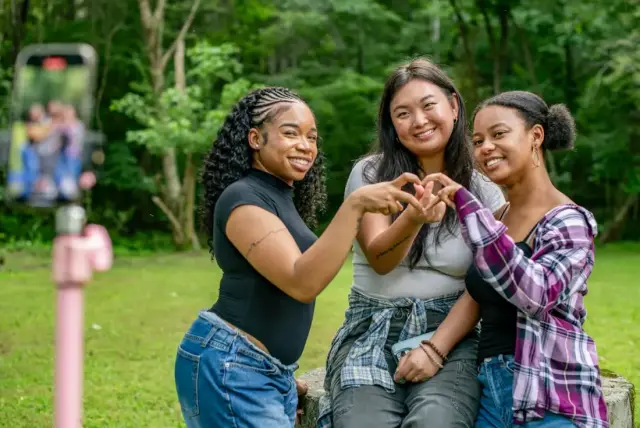
Drop the image into the pixelator above. FaceHush pixelates the whole picture in your browser, with nothing uploaded. Move the Strength slider to change the block size, press Whole image to pixelate only the faces, or drag to pixelate one area. Then download it as JPG or PNG.
- Open the image. Drop it on the box, tap Choose photo, or paste it.
- Set the block size. Strength 1 keeps about 60 blocks across the short side; 10 keeps about 10.
- Pick what to pixelate. The whole image, only the faces it finds, or areas you draw.
- Download. Full resolution up to 16 MP, location data removed.
Whole image, faces only, or one area?
| What you want | How | Good for |
|---|---|---|
| Pixelate the whole picture | Leave Whole image on | Pixel-art looks, spoiler images, thumbnails, blurred backgrounds |
| Pixelate only faces | Turn Whole image off; faces are found automatically | Group photos, street shots, screenshots of video calls |
| Pixelate one area | Turn Whole image off, then drag a box | License plates, names, addresses, phone screens |
Pixelate vs blur: which hides more?
Each pixel block is replaced by a single averaged colour, so large blocks leave very little to reconstruct. That makes strong pixelation harder to reverse than a light blur. For anything high-stakes, a solid black box is the only effect that leaves nothing behind.
Frequently asked questions
Is this image pixelator free?
Yes. FaceHush is free with no sign-up, no watermark and no limit on how many images you pixelate.
Can I pixelate only part of an image?
Yes. Turn off Whole image, then drag on the picture (on a phone, tap “+ Add area” first) to pixelate just a face, a name, a license plate or a screen. Faces are found and pixelated automatically.
How big should the pixels be?
Use the Strength slider. At 1 the whole picture keeps about 60 blocks across its short side; at 10 it drops to roughly 10, which hides almost all detail. To hide a person’s identity, keep each face only a few blocks wide.
Is my image uploaded?
No. The picture is pixelated inside your browser on your own device and is never sent to a server. The saved file also has its EXIF metadata, including GPS location, removed.
Which formats can I use?
JPG, PNG, WebP and, in Safari, HEIC. You can save the pixelated image as JPG or PNG at up to 16 megapixels.
Related tools
Last updated